Under the microscope: Aero Elite: Combat Academy (PlayStation 2)
When you have to disconnect your controller to enter a cheat code
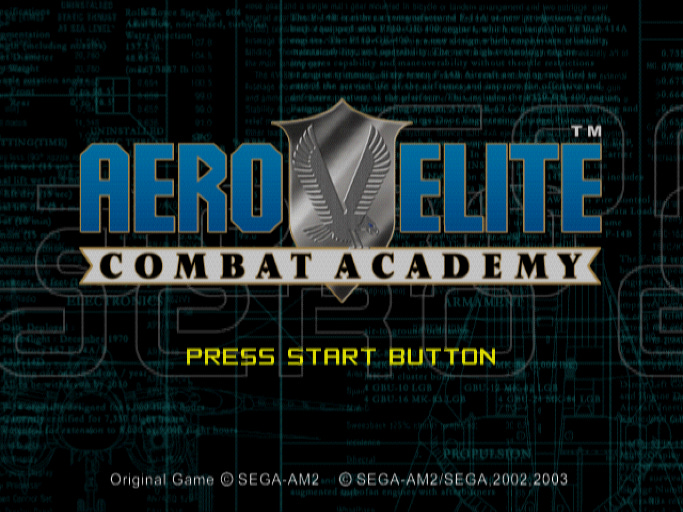
In this edition, I'm examining Aero Elite: Combat Academy for PlayStation 2. This is the last game in CRI's AeroWings series, which had several installments on Dreamcast. I uncovered several hidden secrets in those games a while back, so I naturally wondered if there were some to find in this game.
Good news: this game does have some interesting secrets! Details are below…
The reverse engineering
Aero Elite: Combat Academy's game data has debug symbols, which makes hunting for secrets much easier than it would be otherwise. Here’s a view of the PCSX2 emulator’s debugger being used to search the symbol table for the word secret:
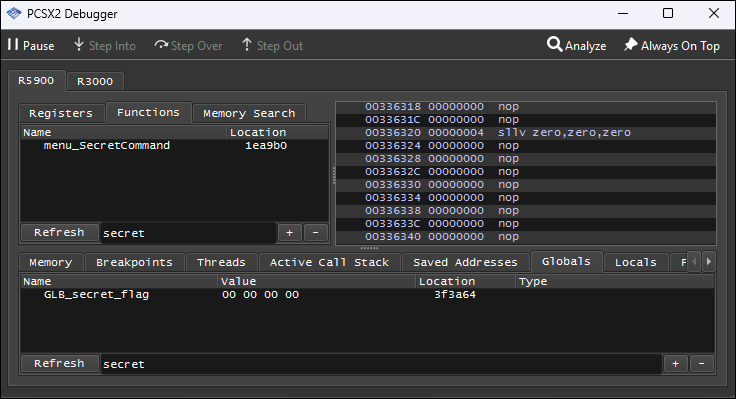
The function menu_SecretCommand executes when you're on the main menu. After filling in some of the labels from the symbol table, Ghidra's decompilation of it looks like this:
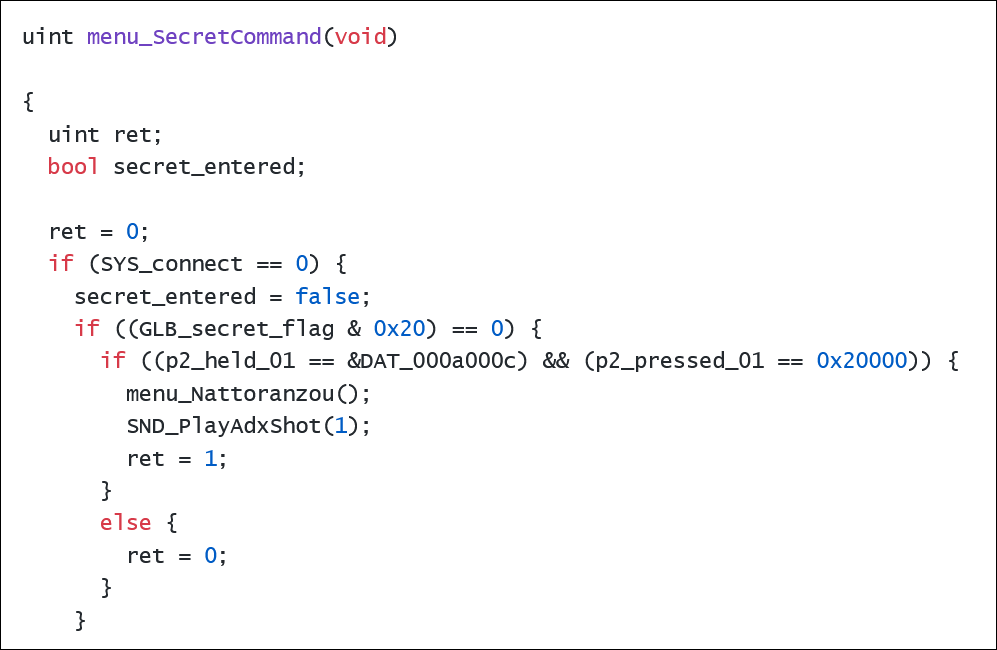
This code says that if the variable SYS_connect is zero, the game looks for a combination of buttons on the second controller. But how do we set it to zero?
My first guess was correct: disconnect the first controller.
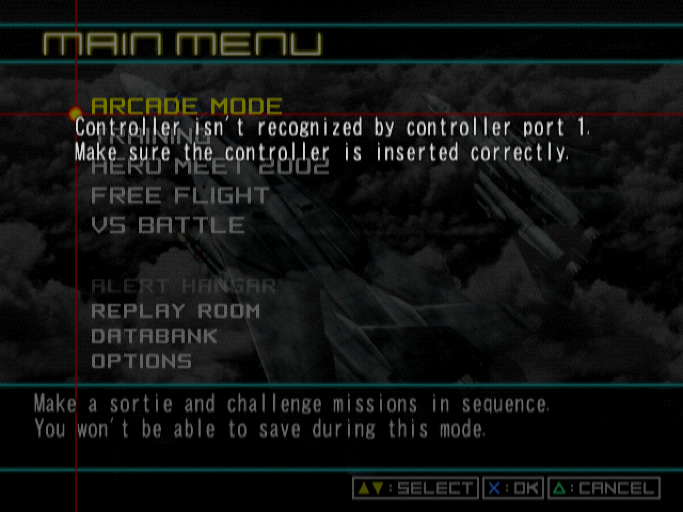
What's the combination of buttons? The first condition in the code has p2_held_01 == 0xa000c. That hex pattern is the logical OR of the patterns for Triangle (0x80000), X (0x20000), R3 (0x00008), and L3 (0x00004). The second condition has p2_pressed_01 == 0x20000. That's the hex pattern for X (0x20000).
With that knowledge, we can start entering cheats.
The cheat codes
The "cheat mode" code is:
Go to the main menu.
Disconnect controller 1.
Using controller 2, hold L3+R3+Triangle and press X.
Re-connect controller 1.
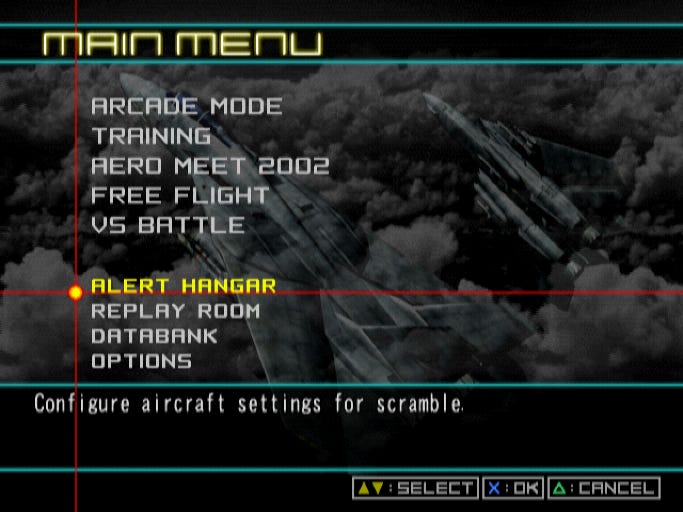
The first effect that you'll notice is that the Alert Hangar mode has become active on the main menu:
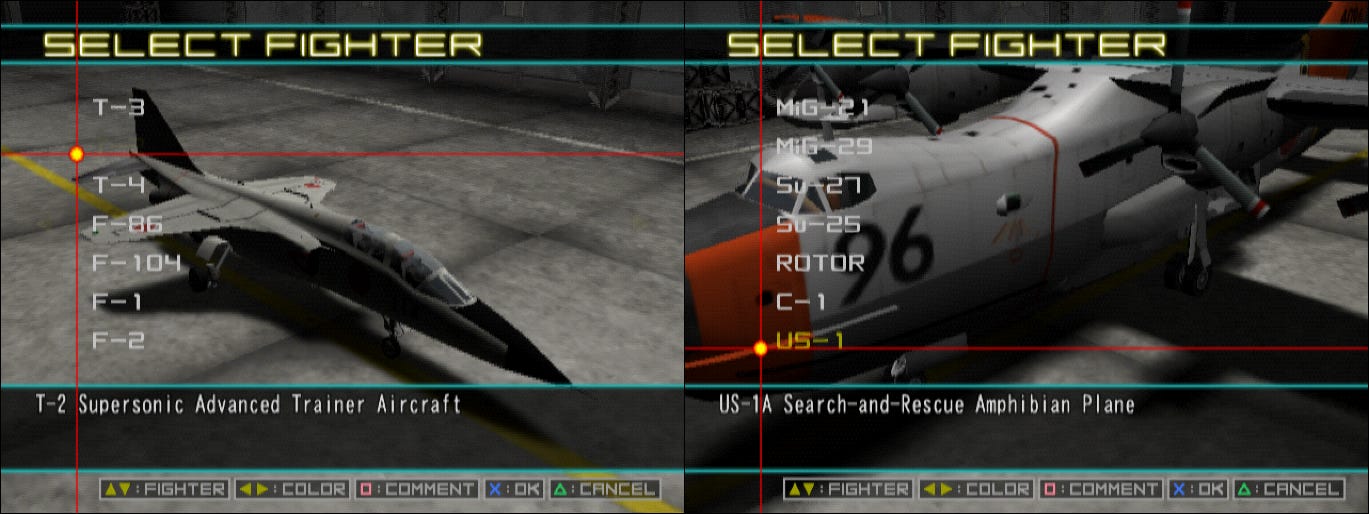
Furthermore, all of the unlockable aircraft will be available in all of the modes:
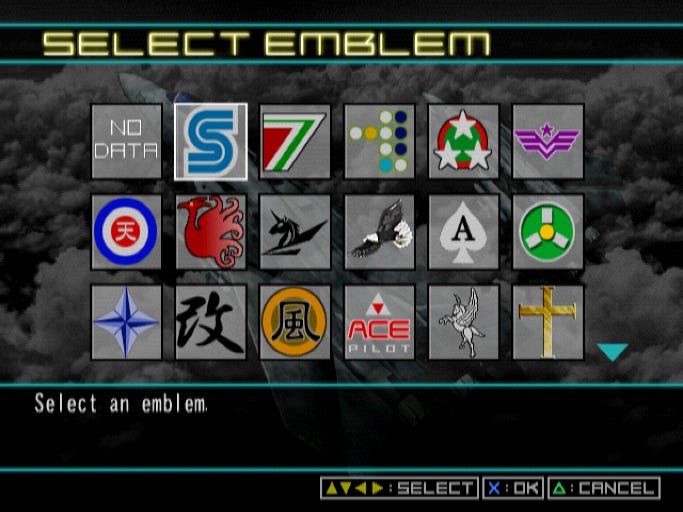
And all of the emblems will be available in the Databank mode:
Putting in this "unlock everything" code sets the flag field called GLB_secret_flag to 0x20. This causes the menu_SecretCommand function from above to listen for more codes.
One interesting one is R2+L3+R3, Triangle (enter while controller 1 is still disconnected). This sets another bit on the flag field and enables a “free camera” mode. Pause during gameplay and press Square+Triangle. Use L1, R1, and the D-pad to navigate.
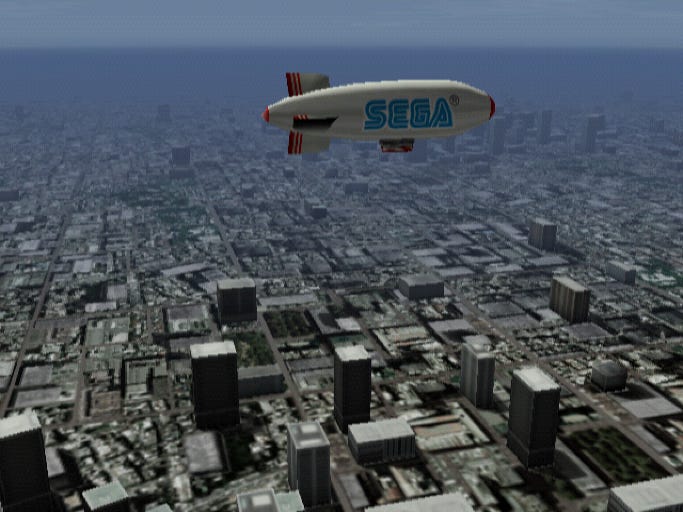
There was a similar camera mode in all of the Dreamcast AeroWings games – see here for details.
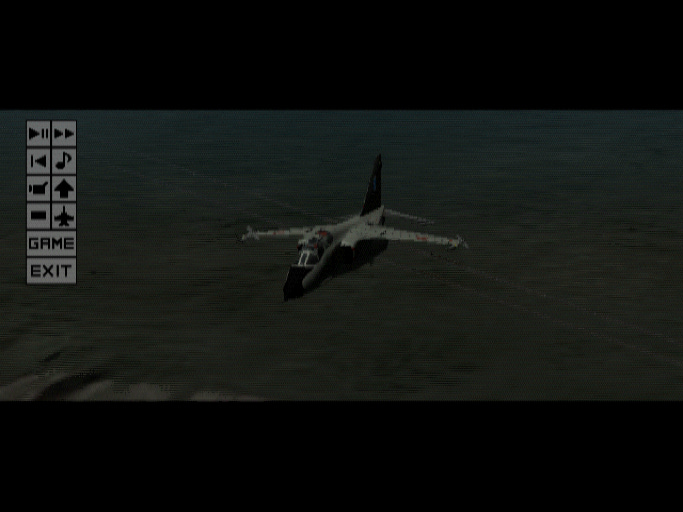
R1+L3+R3, Circle has a not-terribly-exciting effect. After entering that code, pressing Circle during replays adds horizontal black bars to the screen:
The game is also checking for three more codes:
L1+L3+R3, X: This sets
0x08bit on theGLB_secret_flagfield.L2+L3+R3, Square: This sets the
0x10bit.L1+R2+L3+R3, Circle: This sets the
0x40bit.
However, they don’t seem to do anything useful. Based on the symbol data, 0x08 seems to be associated with the rendering of fog, but if there’s a visual effect, it wasn’t obvious to me what it was. Similarly, 0x10 is somehow related to object scaling in some subtle way. Presumably these are the remains of features used during development. 0x40 doesn’t have any references in the code.
Outro
For more on CRI games, see my articles about Aerowings, the Aerowings series, and Surf Rocket Racers.
Rings of Saturn will return next week with more retro game reverse engineering soon, so subscribe here on Substack to stay tuned.