Under the microscope: Mighty Hits (Saturn, PlayStation)
The Impression That I Get, The Rascal King
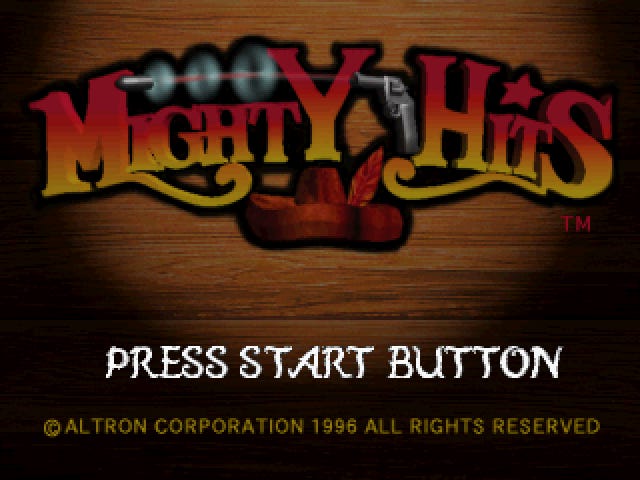
Mighty Hits is a shooting gallery game made for light guns. It was developed and published by the Japanese company Altron for Saturn and PlayStation in 1996. An enhanced Special edition was published for PlayStation in 1999. None of the versions were released in the United States, but translated versions came out in PAL regions for both Saturn and PlayStation.
I decided to check the various versions of this game for unreported cheat effects, and was pleased to find some. See below for details on:
A stage select code for the Saturn versions
The extra difficulty mode cheat for the PAL Saturn version
The auto fire cheat for the PAL PlayStation version
The extra difficulty mode cheat for the PlayStation versions
A strange "Wide 4:3" message for the original PlayStation version
Stage select (Saturn)
The PlayStation version of Mighty Hits has a stage select cheat code listed here:
Stage select: Open the Option screen and enter the following sequence:
Square, X, X, Square, Square, Square, X, X, X, X
Is there an equivalent one for the Saturn version? Yes! Enter this sequence at the Press Start Button screen:
Left, Up, Right, Left, RightWhen you go to the Option screen, you’ll have a new Select item. Changing the Stage Select value will affect where you begin playing in 1 Player mode.
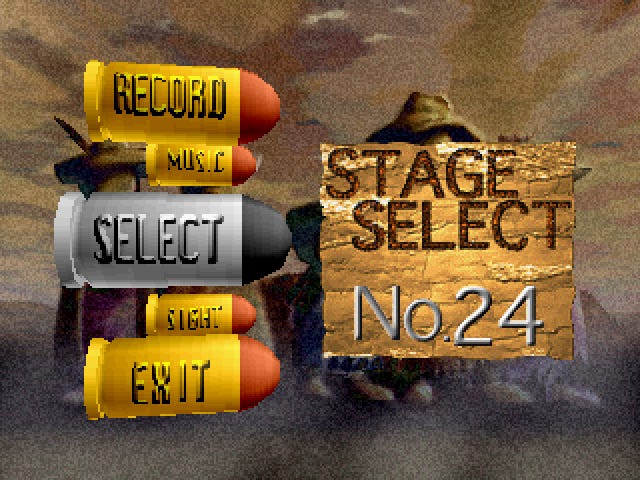
The interface is different from the PlayStation version’s, shown here:
Technical details: The function at 0600d1c8 (PAL version) handles input on the title screen. It’s checking the buttons you press against the sequence at 0604033c:
0604033c 4000  # Left
0604033e 1000  # Up
06040340 8000  # Right
06040342 4000  # Left
06040344 8000  # Right
06040346 0000  # End
The counter stored at 06044950 increments when you get a button right (and resets to 0 if you get one wrong). The value at 060467a1 changes from ff to 00 when you’ve put in the whole sequence. This enables stage select on the Option screen.
Unlock the extra difficulty mode (Saturn)
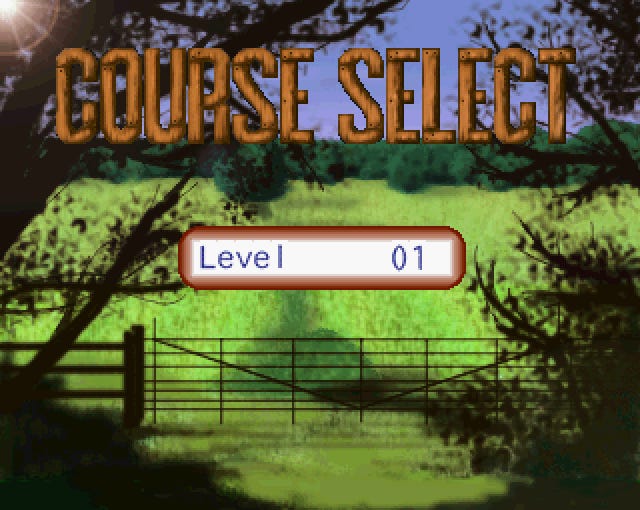
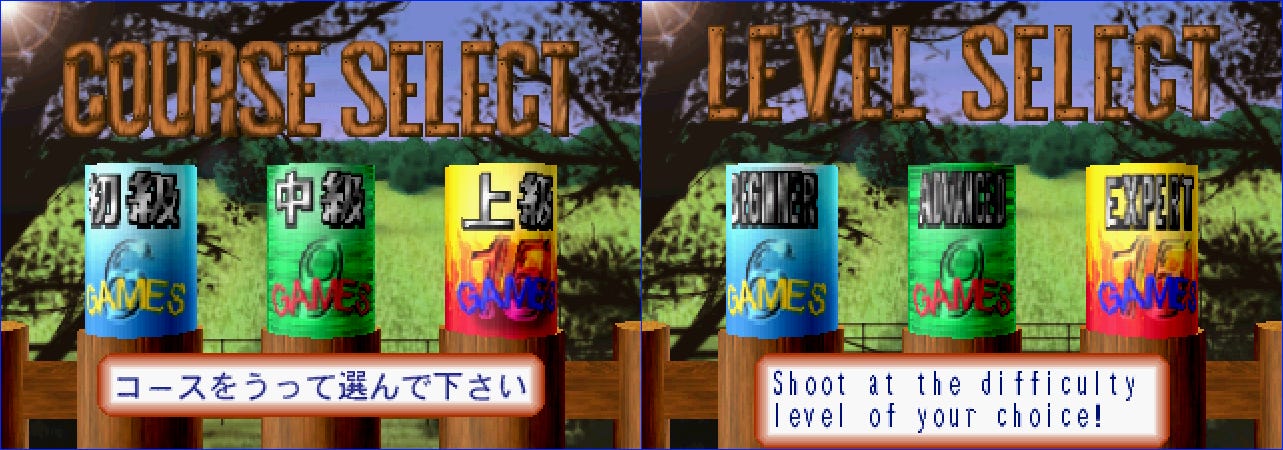
The Japanese Saturn version lets you access an extra difficulty level from the Course Select screen. You have to shoot the U, R, and L letters to make it show up.
The PAL version has different letters, however. Since it says Level Select instead of Course Select, there’s no U or L to shoot:
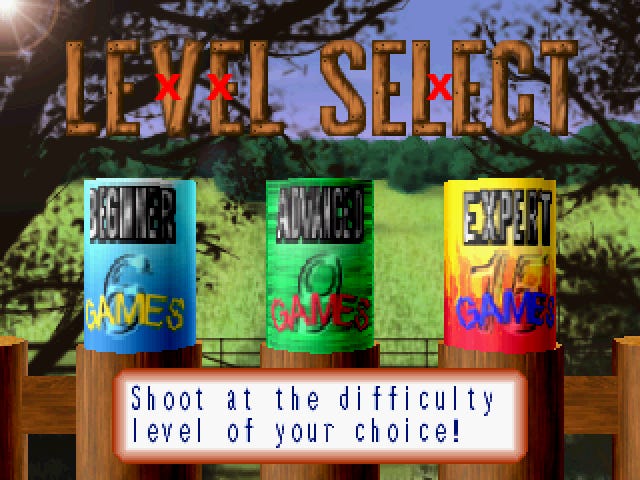
If you instead shoot the V and second E in the LEVEL and then the space in between the L and the second E in SELECT, you’ll get the same effect. I’ve marked them here:
If you hit the right spots, the new Master difficulty appears:
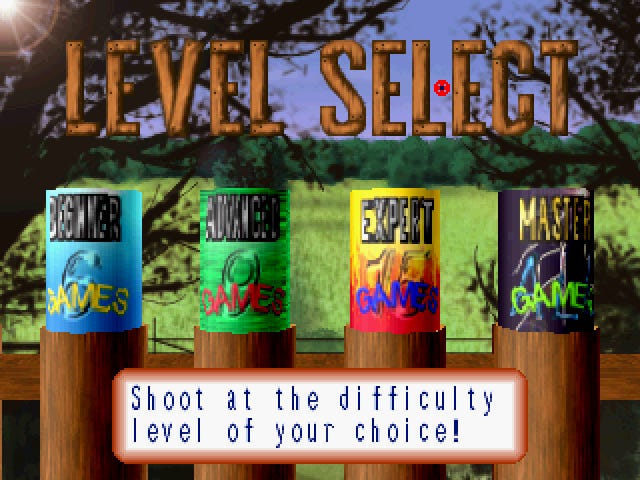
Technical details: The function at 0600ebcc (PAL version) is tracking which areas of the screen you’ve shot. Each section is associated with a bit pattern, and when you shoot that section, its value gets logically OR-ed with the values you’ve already shot. If you get the bit pattern 010c, the extra difficulty level activates.
The V in the first word gives you 0004, the second E in the first word gives you 0008, and the space in between L and the second E in the last word gives you 0100.
0x0004 | 0x0008 | 0x0100 = 0x010cAuto fire mode (PlayStation)
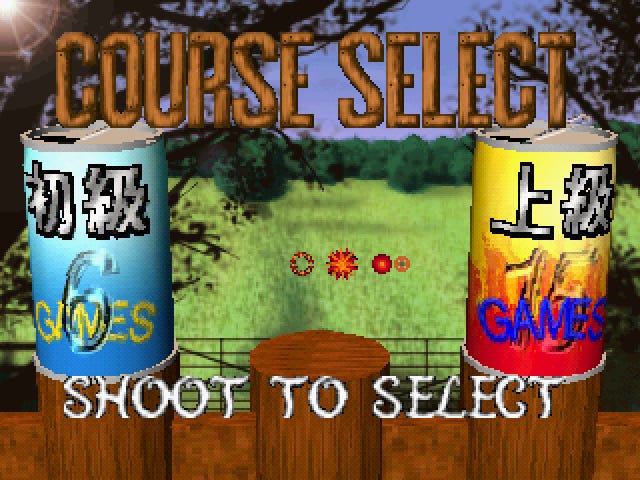
This Japanese cheat site says that you can enable automatic fire in the PlayStation version by entering this sequence on the Course Select screen:
Square+X, Square+X, Square+X, StartAfter you do that, you can hold Square+X during gameplay to shoot continually:
That works on the original PlayStation version of the game, but not on the Special edition (which was released in PAL regions and in Japan). The code for those versions is:
Square, Square, X, X,
Square, X, Square, X,
Start
I don’t think there’s an equivalent effect in the Saturn version of the game, alas.
Technical details: The function at 800199a0 (PAL version) is checking your button presses against the pattern starting at 80060a40.
When you get a button press right, the counter at 80060500 increments. Then the timer at 80060500 starts counting. You have 30 frames to put in the next button before it resets the counter.
The auto fire flag at 80061ac0 gets set to 01 when you complete the sequence.
Unlock the extra difficulty mode (PlayStation)
The letter shooting trick doesn’t work on the either the original PlayStation version of Mighty Hits or the reissued Mighty Hits Special. But this code, entered on the Course Select screen, does work in the Special edition:
Square, X, Start,
Square, X, Start,
Square, Square, X, X, Start
If you get it right, the new mode will appear:
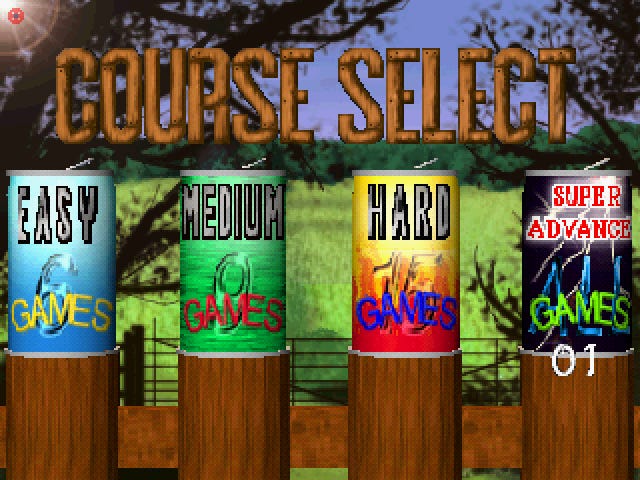
Technical details: The cheat detection code is right next door to the auto fire code described above. This one’s sequence starts at 80060a54 (PAL version).
Enable "Wide 4:3” mode (PlayStation)
This code is weird – it only works on the original NTSC-J version of Mighty Hits. You need a Hyper Blaster or equivalent light gun. Navigate to Option > Adjust and then hit O four times followed by O+Trigger.
The message "Wide 4:3 mode" will appear:
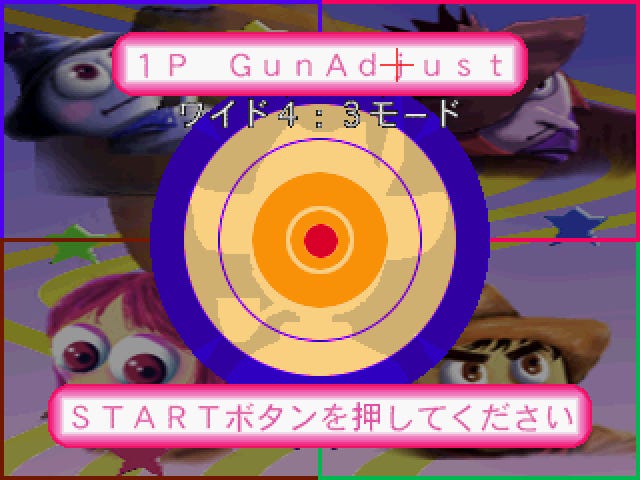
I guess it changes the resolution? The effect isn’t terribly obvious.
Technical details: The Option screen’s input handling is done by the function at 80014f9c. The sub-screen ID is stored at 80077684. You can make get to 15 if you’ve got a light fun plugged in. That shows the Gun Adjusts screen above. It starts listening for the cheat sequence at 8005c1d0 and toggles the flag at 8005d017 if it’s detected.
Outro
Thanks for reading. I’ll be back more this week – stay tuned for:
A breakdown of the cheat code obfuscation system in Medal of Honor: Rising Sun.
An exploration of hidden elements in Ms. Pac-Man: Maze Madness for Dreamcast and PlayStation.