
Under the microscope: Command & Conquer: Red Alert (PlayStation)
How to find hidden functionality in old games
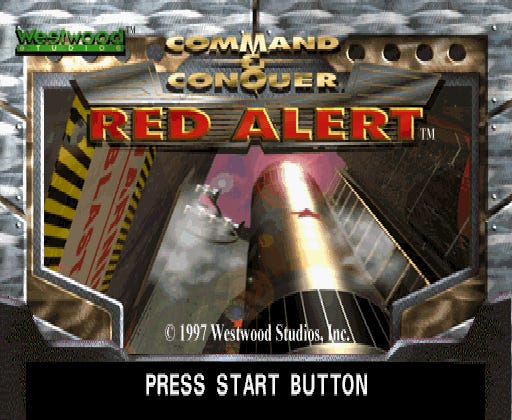
In this edition, I’m examining the PlayStation version of Command & Conquer: Red Alert. This game has some hidden functionality on its password screen that seems to have stayed secret for the last few decades:
Mission select: Enter the codes BOG01 through BOG14 to change your starting mission.
Show version: Enter the code VER.
Below are details about the process of finding this sort of thing with the Mednafen emulator and the Ghidra SRE tool. Enjoy!
The reverse engineering
The second rule1 of retro game data mining is this: if a game presents you with a text box, put something distinctive into it.
Command & Conquer: Red Alert for PlayStation (1998) has this Password screen that lets you enter the letters A through Z and the numbers 0 through 9:
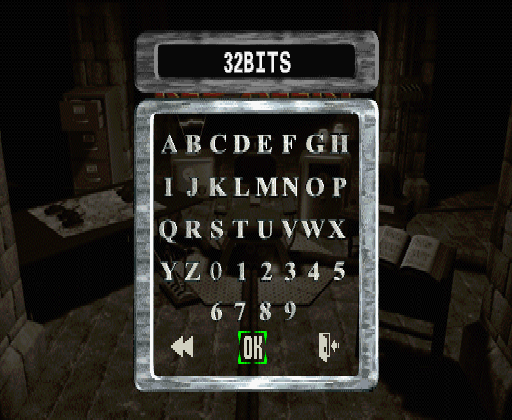
Using a distinctive string makes it easy to locate where the input is stored in memory. Here’s the Mednafen emulator’s memory viewer showing the ASCII representation of my password:
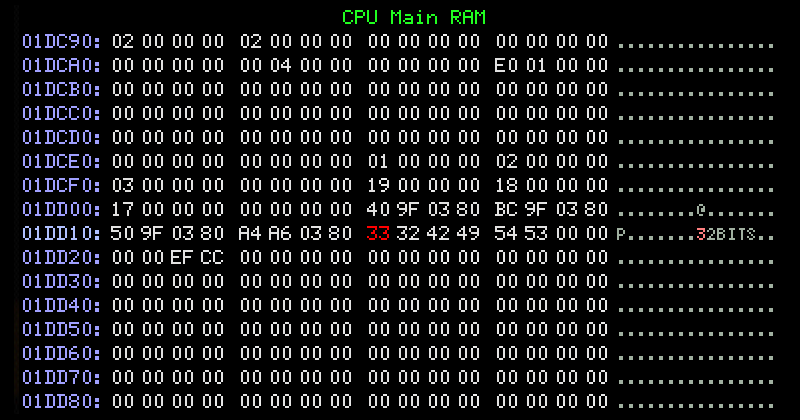
With the location of the string in hand, it’s possible to discover what accesses it by setting a read breakpoint.
After you press OK on the Password screen, the function at 80156860 is the first one to read the password string. Setting an execution breakpoint for its first instruction lets us see its arguments:
The first argument, stored in register
a0, is a pointer to the password that was just entered.The second, stored in register
a1, is a pointer to the string BOG.The third, stored in register
a2, is the value0x03.
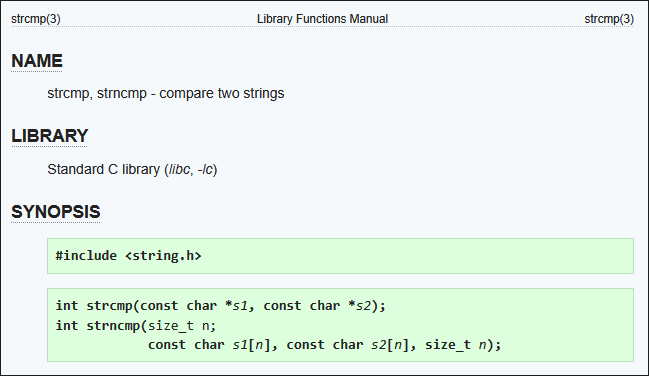
A check of the function code in Ghidra’s decompiler confirms that this function is strncmp:
The second function to read the password string is the one at 80156830. This one can almost be identified from its decompilation at a glance - it loops through the string until it encounters a null character, then returns the loop index. This is strlen:
int FUN_80156830(char *param_1)
{
  char cVar1;
  int iVar2;

  iVar2 = 0;
  if (param_1 == (char *)0x0) {
    iVar2 = 0;
  }
  else {
    while (cVar1 = *param_1, param_1 = param_1 + 1, cVar1 != '\0') {
      iVar2 = iVar2 + 1;
    }
  }
  return iVar2;
}
When strlen returns, execution resumes in the function at 80013ab0. It checks to see whether the return value is 0x05.
If the first three characters of the player’s password were BOG, and the total length of the password was 5, more processing takes place:
The last two characters of the password are joined into their own string.
If the first character is
"0", it gets turned into a space instead.The two characters are converted from a string to an integer.
If that integer is less than 15, a global variable gets set.
Here’s a cleaned up and labeled version of Ghidra’s decompilation:
if (
    (strncmp_80156860(user_passcode_8001dd18, "BOG", 3) == 0) &&
    (strlen_80156830(user_passcode_8001dd18) == 5)
) {
    level_str[0] = user_passcode_8001dd18[3];
    level_str[1] = user_passcode_8001dd18[4];
    level_str[2] = '\0';

    if (level_str[0] == '0') {
        level_str[0] = ' ';
    }

    level = atoi_801564c4(level_str);
    if ((unsigned int)(level - 1) < 14) {
        /* ... */
        level_801b03f4 = level;
    }
}
This code uses a trick involving the atoi function, which converts strings to integers: it subtracts 1 from the converted value and then casts the result as an unsigned int. Because atoi returns 0 for non-numeric input strings, subtracting 1 gives -1. Casting -1 to unsigned int turns it into 2^32-1.
After that trick is done, the “less than 15” check is done. Since 1 was already subtracted, the code does “less than 14.” 2^32-1 fails that check, so only the input strings 01 through 14 make it through to the final block of code.
So, what happens when you enter BOG01 into the password box?
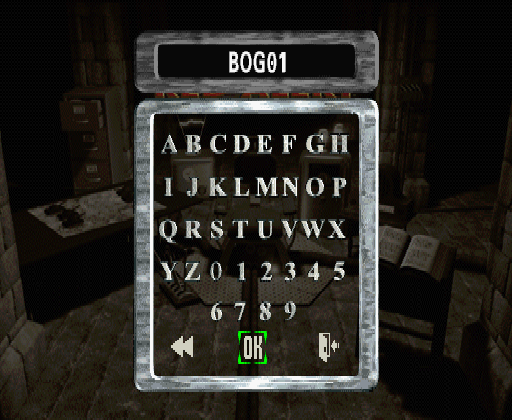
Mission 1 starts!
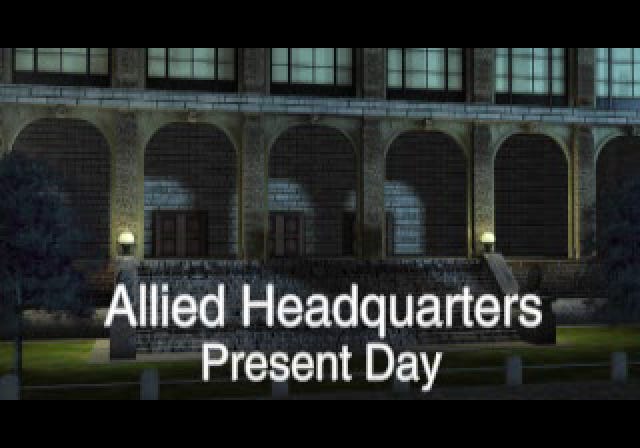
BOG02 gives you mission 2, BOG03 gives you mission 3, and so on.
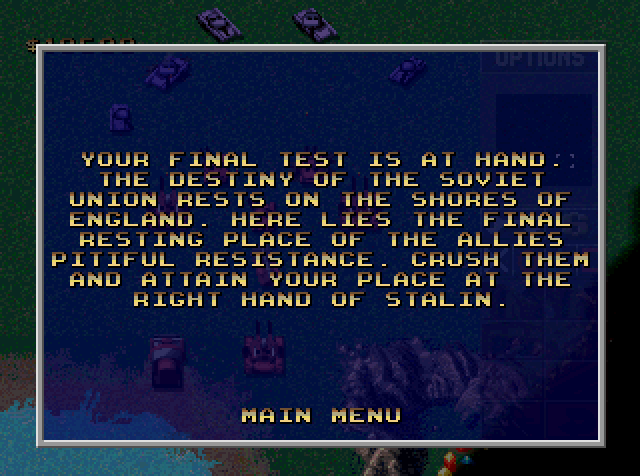
This works on both the Allied disc and Soviet disc. Here’s mission 14 on disc 2:
Just after the checks for the BOG cheat are checks for the strings MUNSON and VER. It’s well-known that the former displays the staff credits, but I think the latter’s effect is new. It displays the string 0.20:
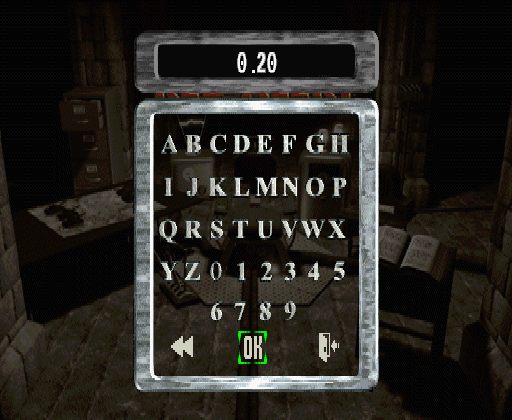
Presumably this is a version number that somebody forgot to update? This code doesn’t seem to do anything else.
Outro
For more on Command & Conquer games, see this article on the Saturn version of Tiberian Dawn and this article on its Nintendo 64 counterpart.
I’ll be back with more Rings of Saturn soon - thanks for reading.
The first rule of retro game data mining is: figure out where controller input is stored in memory. See the article on Batman Begins for notes on that process.